How to Boost Your Site’s SEO with Free GPL Plugins in 2025
In 2025, search engine optimization (SEO) is more critical than ever for driving traffic to your WordPress site. With Google’s algorithms prioritizing user experience, mobile-friendliness, and Core Web Vitals, leveraging the right tools can make or break your rankings. Fortunately, the GNU General Public License (GPL) ecosystem offers powerful, free plugins that can supercharge your SEO without costing a dime. These plugins, available through trusted sources like WordPress.org or reputable GPL repositories, help optimize content, speed, and technical performance. This article outlines how to boost your site’s SEO using free GPL plugins, with practical steps and tips tailored for 2025’s digital landscape.
Why Use Free GPL Plugins for SEO?
GPL plugins are open-source, meaning you can use, modify, and distribute them freely under the GPLv2 (or later) license, which governs WordPress. They provide cost-effective access to premium-level features, making them ideal for bloggers, small businesses, or developers on a budget. In 2025, SEO demands a holistic approach—content optimization, site speed, mobile usability, and technical compliance—all of which these plugins address. Let’s explore the top free GPL plugins and how to use them effectively.
1. Yoast SEO
Purpose: On-Page SEO and Content Optimization
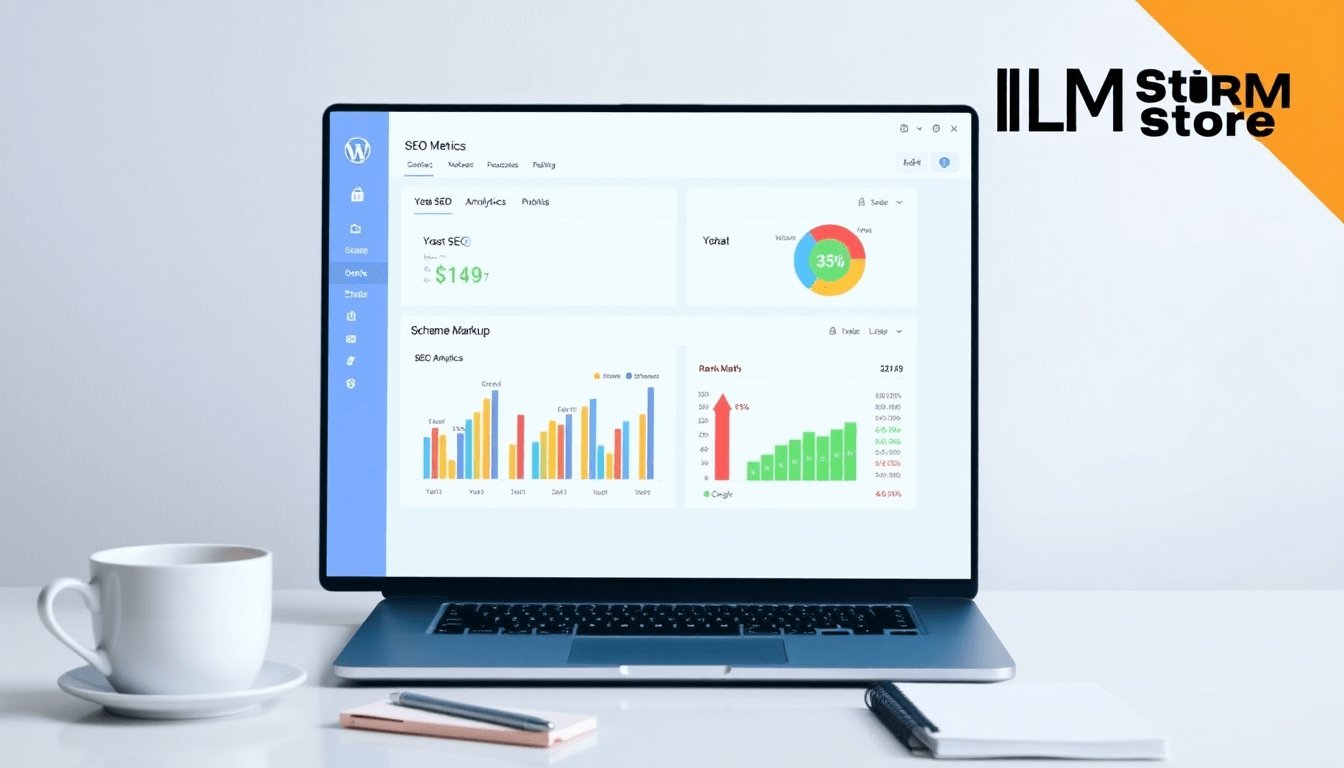
Yoast SEO is a leading GPL plugin for optimizing content and technical SEO. Its free version offers robust tools to improve keyword targeting, readability, and search engine visibility.
How to Use for SEO:
Keyword Optimization: Set a focus keyphrase for each post or page. Yoast analyzes content for keyword density, placement in headings, and meta descriptions.
Readability: Follow Yoast’s readability score to ensure clear, engaging content, crucial for user retention in 2025.
XML Sitemaps: Generate and submit sitemaps to Google Search Console for better indexing.
Schema Markup: Enable structured data to enhance rich snippets, boosting click-through rates.
Setup Tips:
Install from WordPress.org or a trusted GPL repository like GPL Vault.
Configure the SEO dashboard to connect with Google Search Console for performance tracking.
Use the “SEO Analysis” tool to optimize existing posts for 2025’s semantic search trends.
Why It Boosts SEO: Yoast aligns content with Google’s focus on user intent and E-A-T (Expertise, Authoritativeness, Trustworthiness), ensuring your site ranks for relevant queries.
2. Rank Math
Purpose: Advanced SEO and Technical Optimization
Rank Math is a lightweight, GPL-licensed alternative to Yoast, offering advanced features like schema integration and 404 monitoring in its free version.
How to Use for SEO:
Keyword Tracking: Optimize for multiple keywords per post, leveraging 2025’s trend toward long-tail searches.
Schema Generator: Add FAQ, article, or product schema to improve rich results in Google.
404 Monitor: Identify and redirect broken links to maintain site health and user experience.
SEO Audit: Use the analytics dashboard to track rankings and fix technical issues.
Setup Tips:
Download from WordPress.org or GPL marketplaces like GPLDL.
Enable the Schema Markup module for blog posts to stand out in search results.
Integrate with Google Analytics 4 for real-time traffic insights.
Why It Boosts SEO: Rank Math’s lightweight code and advanced schema support make it ideal for technical SEO, aligning with Google’s structured data focus in 2025.
3. LiteSpeed Cache
Purpose: Site Speed and Performance
LiteSpeed Cache is a free GPL plugin that optimizes site speed, a key ranking factor in 2025’s Core Web Vitals (e.g., Largest Contentful Paint, Cumulative Layout Shift).
How to Use for SEO:
Caching: Enable page caching to reduce load times, especially for mobile users.
Image Optimization: Use lazy loading to defer off-screen images, improving page speed.
Minification: Minify CSS, JavaScript, and HTML to shrink page size.
Database Cleanup: Remove unused data (e.g., post revisions) to streamline performance.
Setup Tips:
Install from WordPress.org or a GPL repository like GPL Coffee.
Enable browser caching and optimize images during upload.
If using a LiteSpeed server, activate server-level caching for maximum speed.
Why It Boosts SEO: Faster sites rank higher and retain visitors, directly impacting bounce rates and dwell time, key metrics for Google in 2025.
4. Wordfence Security
Purpose: Site Security and Trust
Wordfence Security’s free GPL version protects your site from hacks and vulnerabilities, building trust with users and search engines.
How to Use for SEO:
Firewall: Block malicious traffic to prevent downtime, which can hurt rankings.
Malware Scanner: Regularly scan for hacked files or malware that could trigger Google penalties.
Login Protection: Enable two-factor authentication to secure admin access, reducing hack risks.
Setup Tips:
Source from WordPress.org or trusted GPL repositories.
Schedule weekly scans to catch issues early.
Monitor live traffic to block suspicious IPs, enhancing site reliability.
Why It Boosts SEO: A secure site avoids Google’s “not secure” warnings, improves user trust, and maintains uptime, all of which support rankings.
5. WP-Optimize
Purpose: Database and Image Optimization
WP-Optimize is a free GPL plugin that cleans your database and compresses images, improving site speed and performance.
How to Use for SEO:
Database Cleanup: Remove post revisions, spam comments, and transients to reduce database bloat.
Image Compression: Compress images without quality loss to speed up page loads.
Caching: Enable basic page caching for faster content delivery.
Setup Tips:
Download from WordPress.org or GPL marketplaces.
Schedule monthly database cleanups to maintain performance.
Test image compression settings to balance quality and speed.
Why It Boosts SEO: A lean database and optimized images reduce load times, aligning with Google’s mobile-first indexing and Core Web Vitals.
Practical Steps to Maximize SEO with These Plugins
Install and Configure Plugins:
Download from trusted sources like WordPress.org or GPL repositories (e.g., GPLDL, GPL Vault) to avoid malware.
Follow each plugin’s setup wizard for quick configuration.
Optimize Content:
Use Yoast or Rank Math to target long-tail keywords relevant to 2025 trends (e.g., AI-driven search queries).
Add schema markup to posts for rich snippets, increasing click-through rates.
Improve Site Speed:
Combine LiteSpeed Cache and WP-Optimize for caching, minification, and image compression.
Test performance with tools like Google PageSpeed Insights to meet Core Web Vitals.
Enhance Security:
Use Wordfence to monitor and protect your site, ensuring uptime and user trust.
Regularly back up your site with a GPL plugin like UpdraftPlus to recover from issues quickly.
Monitor and Refine:
Things to Watch Out For
Security Risks: Avoid “nulled” plugins from unverified sources, as they may contain malware. Stick to WordPress.org or reputable GPL clubs.
Compatibility: Test plugins for conflicts, especially with WordPress 6.5+ or block-based themes.
Support Limitations: Free GPL plugins often lack dedicated support, so rely on community forums or your own technical skills.
Ethical Considerations: Using GPL repositories may reduce developer revenue. Consider donating to plugin creators if their tools benefit your site.
Final Thoughts
Boosting your WordPress site’s SEO in 2025 doesn’t require a big budget. Free GPL plugins like Yoast SEO, Rank Math, LiteSpeed Cache, Wordfence Security, and WP-Optimize provide powerful tools to optimize content, speed, and security—all critical for ranking well. By sourcing these plugins from trusted platforms and following best practices, you can build a fast, secure, and search-friendly site that thrives in Google’s competitive landscape. For more on WordPress plugins, visit https://wordpress.org/plugins/. Start optimizing today and watch your traffic soar!