



How to Install WordPress GPL Themes and Plugins ?

How to Install a WordPress GPL Theme
Your theme acts as the foundation for your website’s design, controlling the layout, colors, and fonts.
Method 1: Uploading a GPL Theme (.zip file)
If you want to use one of the thousands of free themes provided by WordPress, follow these steps:
-
Log in to your WordPress Dashboard.
-
Navigate to Appearance > Themes on the left-hand menu.
-
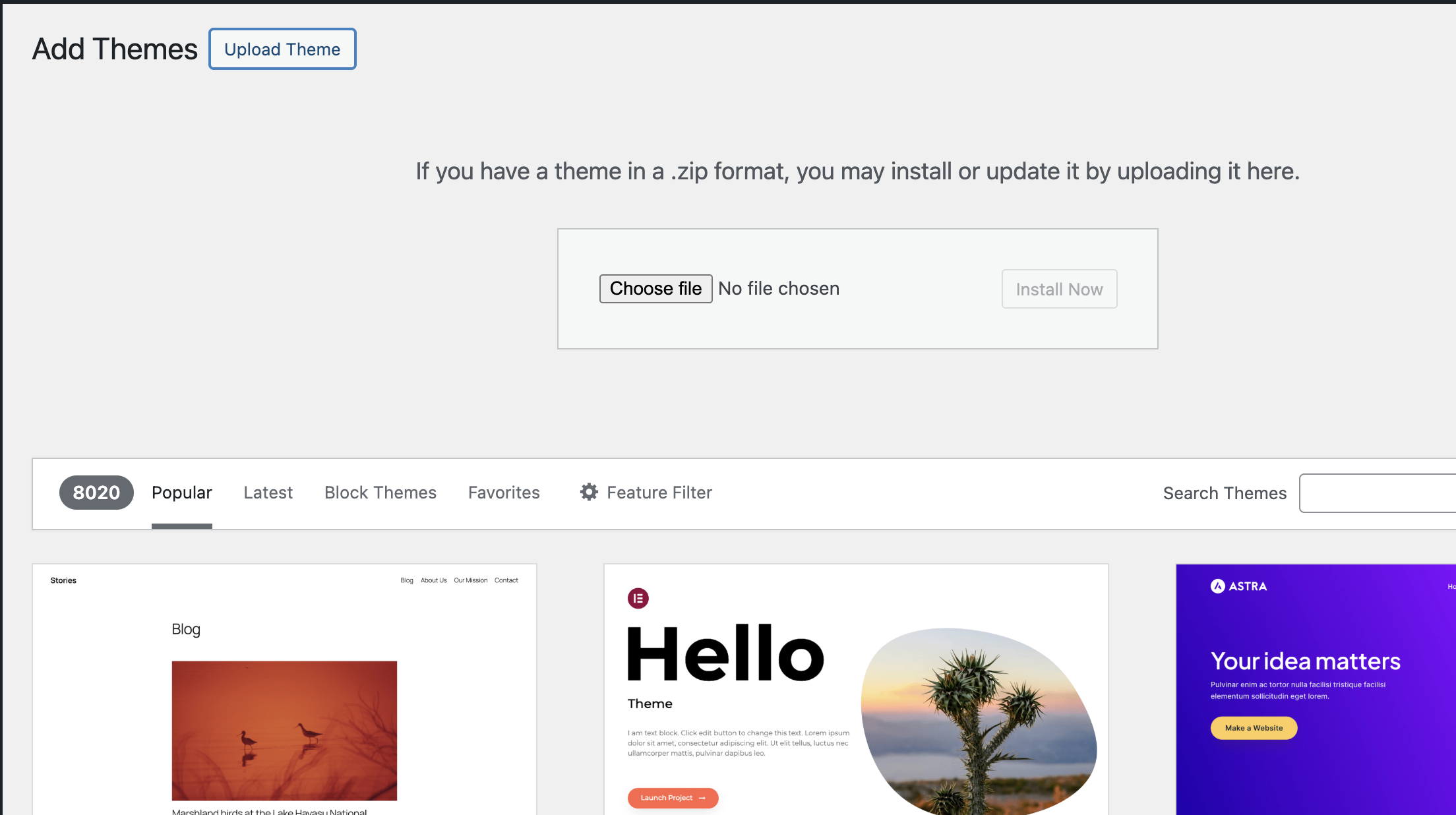
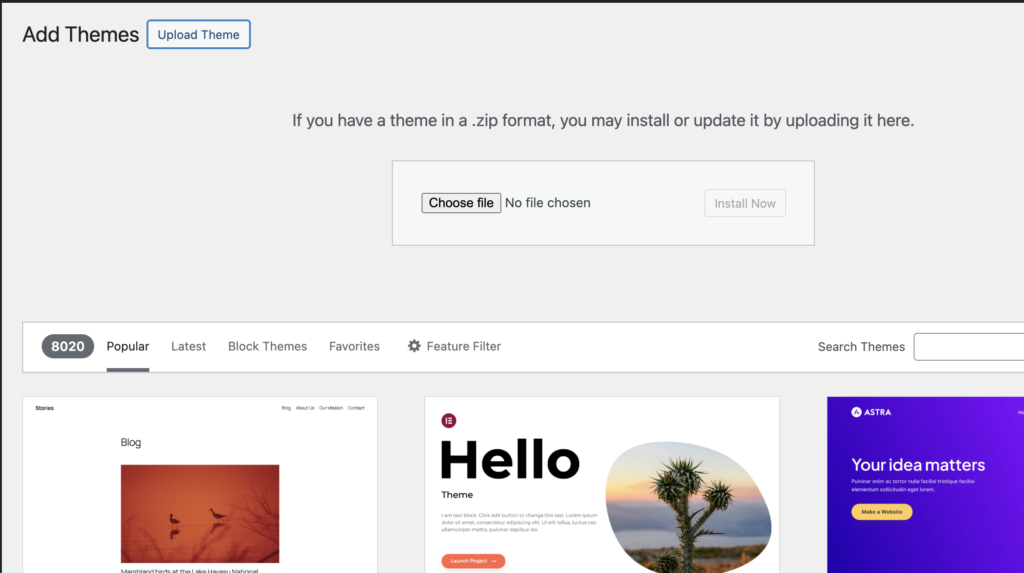
Click the Add Theme > Upload Theme button at the top of the screen.
-
Click Choose File and select the
.zipfile you downloaded from your theme provider. -
Hover your mouse over the theme you want, click Install, and then click Activate to make it live.
⚙️ How to Install a WordPress GPL Plugin
Plugins are like apps for your website. They add specific functionalities, such as contact forms, security, speed optimization, and SEO tools.
Method 2: Uploading a GPL Plugin File (.zip file)
If you bought a premium plugin from a developer’s website:
-
Go to Plugins > Add New Plugin.
-
Click the Upload Plugin button at the top.
-
Click Choose File and select your
.zipplugin file. -
Click Install Now.
-
When the success message appears, click Activate Plugin.
__——
if you face error like :
The package could not be installed. The theme is missing the style.css stylesheet.
Theme installation failed.
Solution :
– 1 . Unzip Your Downloaded .Zip File
– 2. Open Your File Folder > You will See a one more theme file like “jannah.zip” or related name..etc
– 3. Select that file and upload on Upload theme.