




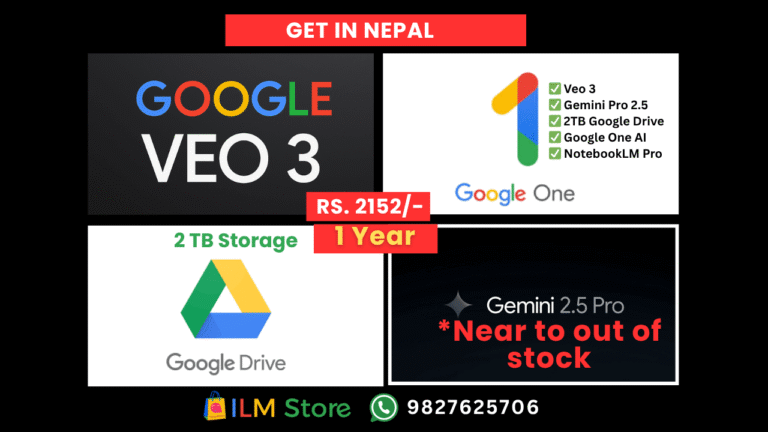
Google AI ULTRA Veo 3.1 in Nepal
₨ 2,100.00

WP Rocket – WordPress Caching Plugin
Original price was: ₨ 400.00.₨ 299.00Current price is: ₨ 299.00.
-93%
![Windows 11 Pro [KEY] in Nepal - Image 1](https://ilmstore.com.np/wp-content/uploads/2025/10/windows-11-product-key.jpg "windows-11-product-key")
-
 Verified From



 Recently Updated 100% Genuine Product
 Overview
Buy Windows 11 Pro License KEY in Nepal
- Internet Connect Is Required For Activation, Supports 32/64 bit.
- This License Key Only Working For Latest Updates Windows 11 Pro Edition.
- This retail key can also be upgraded from Windows 11 Home edition to Pro.
Before Starting Check compatibility with Microsoft’s PC Health Check tool. Your PC needs:
- 64-bit processor
- 4 GB RAM (minimum)
- 64 GB storage
- TPM 2.0, Secure Boot (UEFI)
- DirectX 12 graphics
- 720p+ display
Installing on unsupported hardware may cause issues.
How to Install Windows 11 With Microsoft’s Media Creation Tool | PCMag

Option 1: Upgrade via Installation Assistant (Best for Windows 10 → 11 Pro on same PC) Download from microsoft.com/software-download/windows11.
- Run as admin, accept terms.
- Tool checks compatibility.
- Install and restart (may restart multiple times).
Requires Windows 10 v2004+, valid license, 9 GB free space.
How To Use the Windows 11 Media Creation Tool? – gHacks Tech News
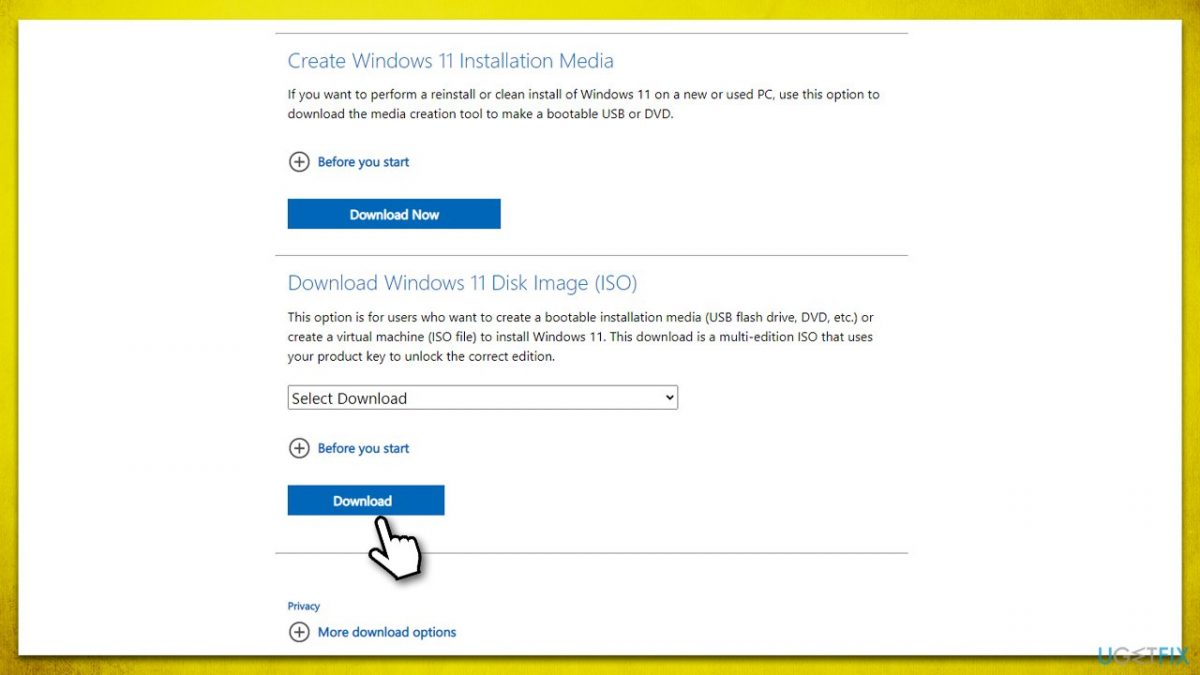
Option 2: Create Bootable Media (USB/DVD) (For clean install or new PC) Use Media Creation Tool from the same site.
- Run as admin, accept terms.
- Choose “Create installation media for another PC.”
- Select language, Windows 11, 64-bit.
- Pick USB (8 GB+) or ISO file. Boot from media in BIOS, install (Custom for clean setup), enter key if prompted.
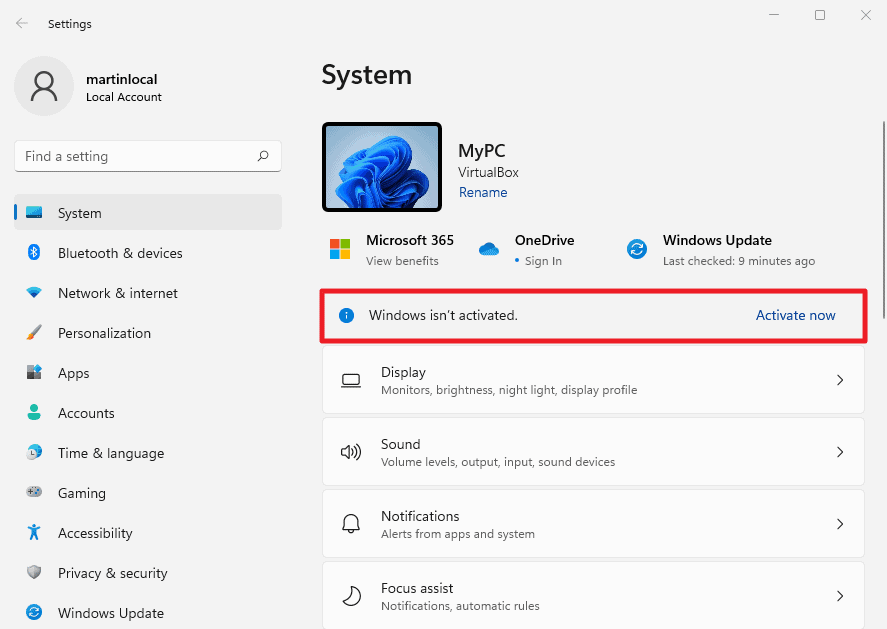
How to check if Windows 11 is activated
Option 3: Use ISO File Download ISO from Microsoft site.
- Mount: Right-click > Mount > Run setup.exe (for upgrade).
- Burn to DVD or create bootable USB.
Upgrade Home to Pro
- Settings > System > Activation > Change product key.
- Enter generic key: VK7JG-NPHTM-C97JM-9MPGT-3V66T (temporary).
- Upgrade completes.
- Re-enter your valid Windows 11 Pro key to activate.
Activate Windows 11 Pro Settings > System > Activation > Change product key. Enter 25-character Pro key > Activate. Success shows “Windows is activated.”
How To Activate Windows 11 – Softwareg.com.au

Troubleshooting
- Verify key and internet.
- Restart and retry.
- Use Activation troubleshooter.
- Contact Microsoft support if needed.
Post-install: Check Windows Update, install manufacturer drivers. Back up data first! Official downloads: microsoft.com/software-download/windows11.
Related Products
Hot
ChatGPT Premium in Nepal
Out of stock
₨ 599.00 Accounts
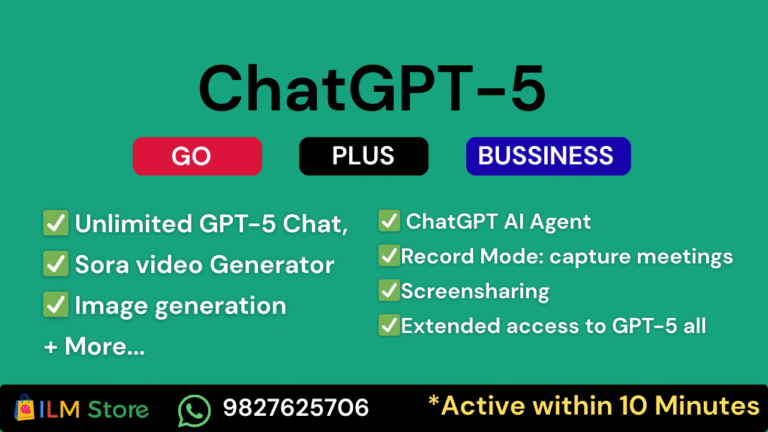
| Connect company knowledge | Google Drive, SharePoint, Dropbox, GitHub, Outlook, and custom integrations |
|---|---|
| Record Mode | capture meetings/voice notes on macOS; search & reference transcripts in any chat |
| Multimodal creation | Sora video, image generation, canvases, advanced data analysis, and inline code execution |
| Plan | ChatGPT GO – 1 Year (Private), GPT Plus – 1 Month (Business Normal), GPT Plus – 1 Month (Private), GPT Plus – 1 Month (Shared) |
Hot
Hot
-90% Hot
Kanva Subscription
In stock
Price range: ₨ 99.00 through ₨ 799.00
| ✅ Premium photos | Access to millions of photos, videos, and elements |
|---|---|
| ✅ Premium templates | for social media, posters, thumbnails, |
| ✅ Background remover | (1-click remove image background) |
| ✅ Magic Resize | – resize designs for multiple platforms instantly |
| ✅ Brand Kit | – add your brand colors, logos & fonts |
| ✅ Upload | custom fonts and assets |
| ✅Cloud storage | Folders & cloud storage for organizing your designs |

-68% Hot
Netflix Subscription in Nepal
Out of stock
Original price was: ₨ 1,254.00.₨ 399.00Current price is: ₨ 399.00. Profile

![Windows 11 Pro [KEY] in Nepal](https://ilmstore.com.np/wp-content/uploads/2025/10/windows-11-product-key-600x600.jpg)
Reviews
Clear filtersThere are no reviews yet.